Tenorr connects to your existing Active Directory and becomes the place your team works — while AD stays firmly in control. Every change is reversible, logged, and provable.
Tenorr reads from and writes to your current Active Directory over a mutually authenticated TLS connection, covered in detail further down. Your team signs in with Microsoft, with no new identities to provision and no directory to stand up.
Search users and groups, make edits, run bulk actions, and build rule-based Smart Groups — all from a clean web app. No PowerShell required for the everyday work that used to demand it.
Operations flow bidirectionally to Active Directory, so Tenorr and your directory stay consistent. AD remains the single source of truth — Tenorr is the interface, not a replacement.
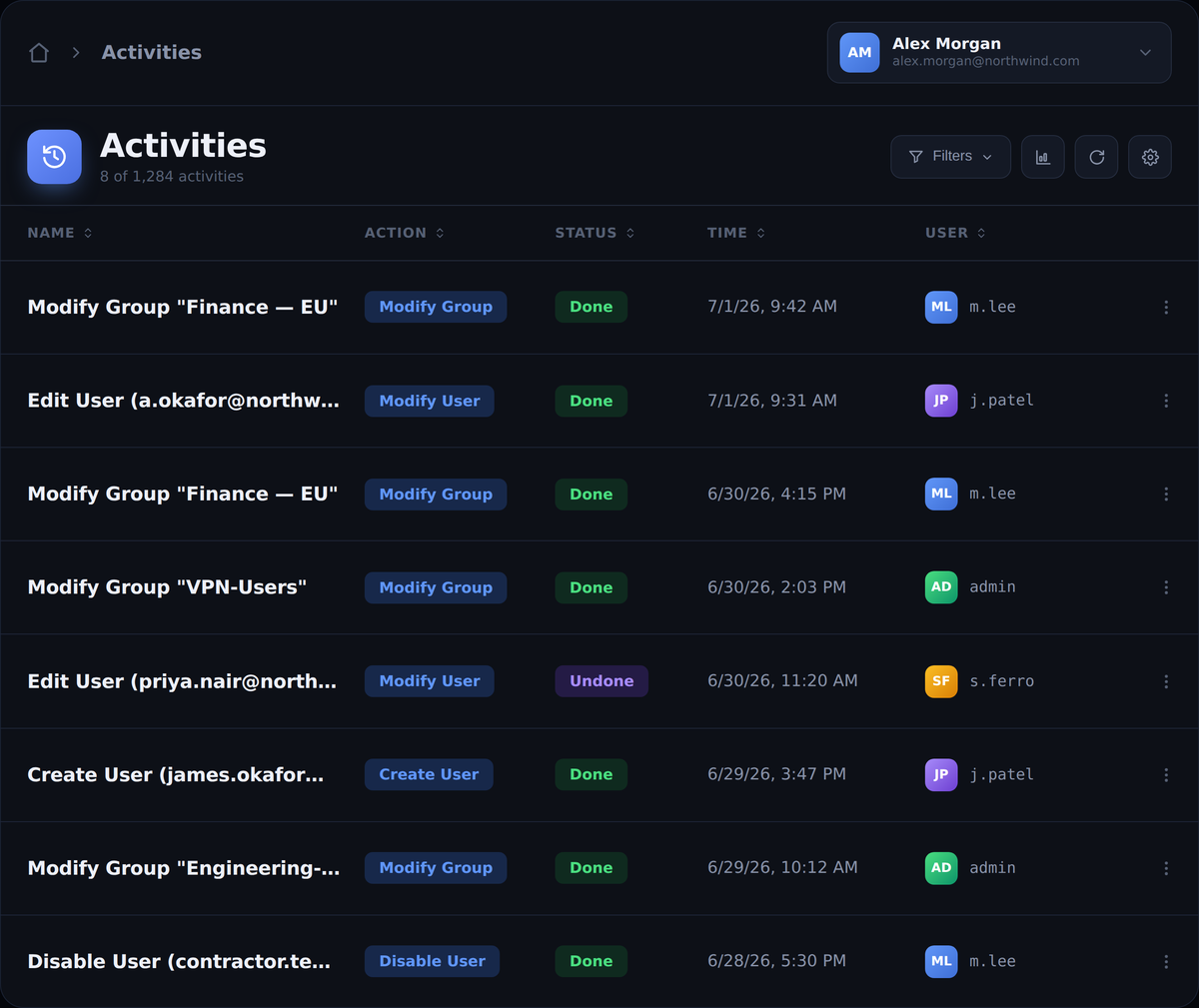
Every action is recorded in a searchable audit trail. If something's wrong, reverse it in one click and the rollback syncs straight back to AD. When an auditor asks who changed what, the answer is one search away.
Tenorr is designed so the directory is never at the mercy of the tool. AD holds the truth; Tenorr makes it safe and pleasant to operate.
Where your team manages users, groups, roles, and Smart Groups — with undo and a live activity log.
Keeps Tenorr and AD in step, applying changes to the directory and reflecting directory changes back.
Unchanged in its role. Every authoritative record still lives in AD, exactly where it does today.
Tenorr’s job is to reduce the operational and access risk that lives in everyday AD management — and to give you the evidence trail when someone asks.
Routine changes made in Tenorr can be undone in one click, with the rollback synced back to AD. The blast radius of a human error shrinks from "incident" to "non-event."
Every action is logged in plain language — who did what, and when — and filterable in seconds. Compliance reviews stop being a scramble through fragmented event logs.
Hierarchical roles control exactly what each operator can do. Give the help desk what they need without handing over the keys to the directory.
See how access is distributed across users, groups, and permissions, and surface the anomalies — stale memberships, over-broad groups — that quietly create risk.
With native AD logging, answering that means stitching together fragmented events across controllers. With Tenorr, it's a search box.
Filter by user, object, action, or date. Export what you need. The trail is human-readable, because the people reading it during an audit aren't always the people who made the change.
Tenorr talks to your directory over a mutually authenticated TLS (mTLS) channel. Both sides present and verify certificates before any data moves — so the connection isn't just encrypted, it's proven on both ends.
Initiates every session with a signed client certificate — no standing credentials, no shared secrets.
Validates the client chain and answers with its own server certificate — both ends prove identity before any data moves.
Bring the architecture and security questions — we'll answer them directly. Book a 30-minute demo.
Request a demo